
Snap, Split & Track Expenses Effortlessly
SnaptabAI turns any receipt into structured data in seconds. Split bills with friends, set budgets, and stay on top of your spending — all on your iPhone.
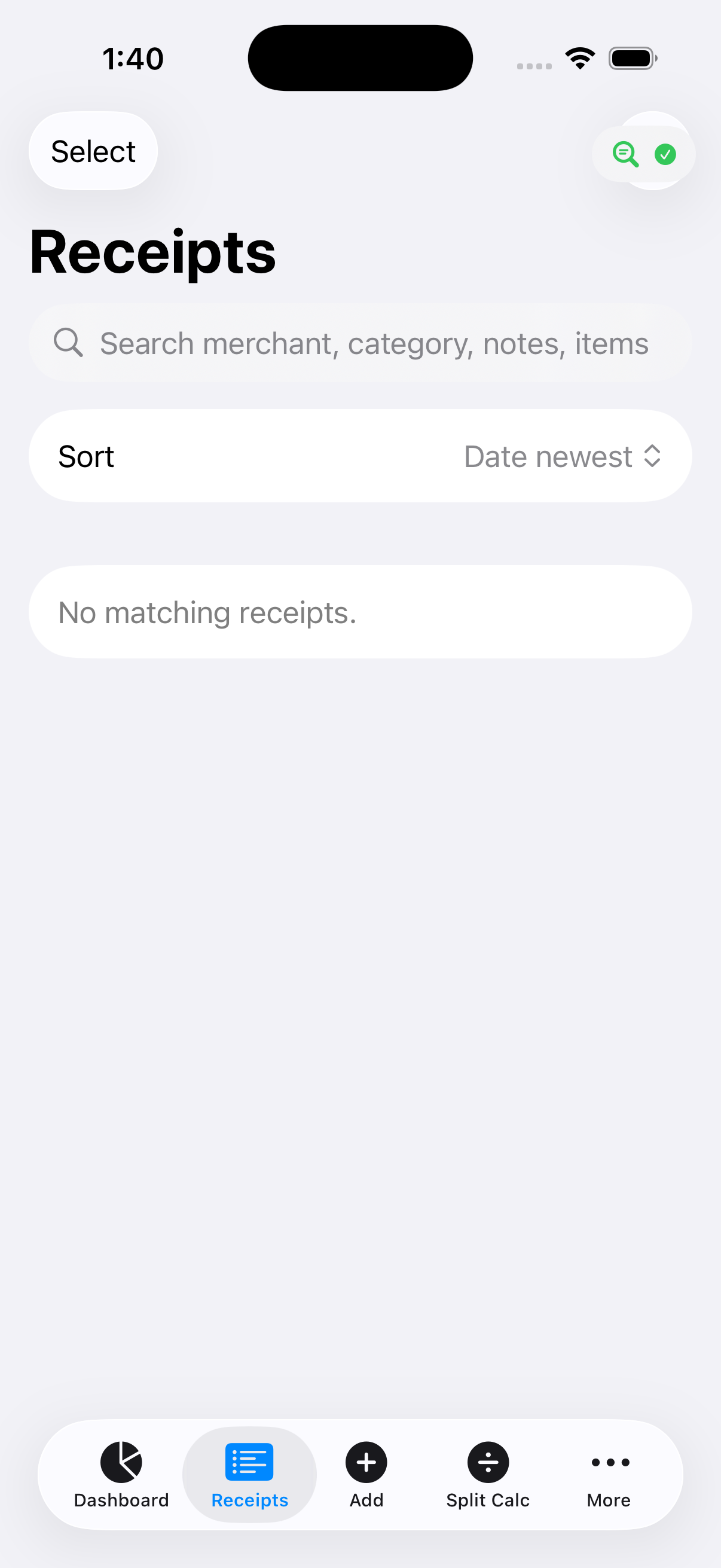
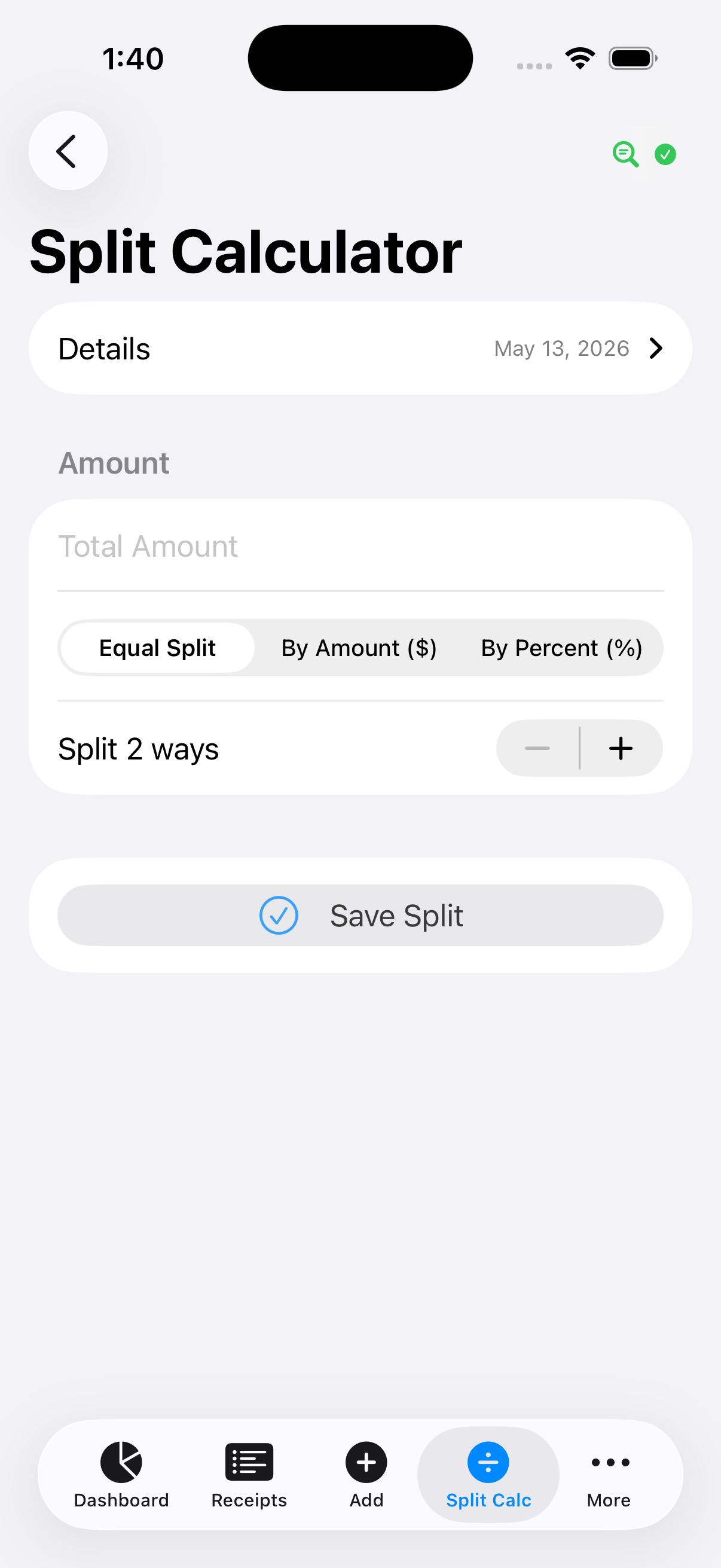
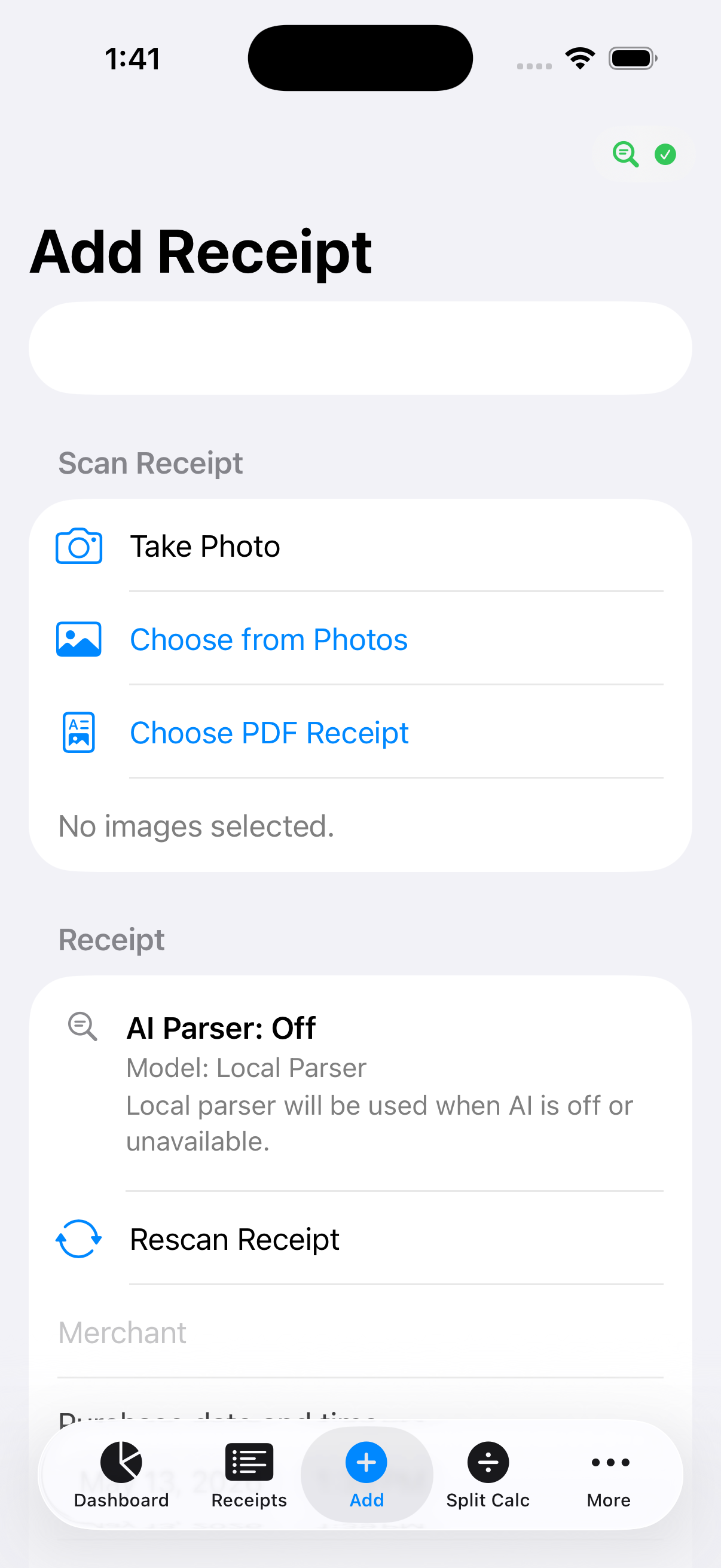
Everything you need to manage shared expenses
From scanning to splitting, SnaptabAI handles every step.
Three steps to a split bill
No manual data entry. No spreadsheets. Just snap, review, and split.
Snap a Photo
Take a photo of your receipt or pick one from your camera roll. SnaptabAI handles the rest.
AI Extracts Everything
AI reads the receipt and pulls out every detail: merchant, date, total, tax, and each line item.
Split & Track
Assign items to friends, split the total, and track your expenses — all in one place.
Your data stays on your device
SnaptabAI stores everything locally using SwiftData. You can even run a fully offline AI model for parsing — your financial data never has to leave your phone.
Read our Privacy PolicyReady to stop manually splitting bills?
Download SnaptabAI for free and scan your first receipt in under a minute.
Download on App Store